THE DAWNWALKER JOURNAL
Dawnwalker Soundtrack: How to Download the Eclipse Extras
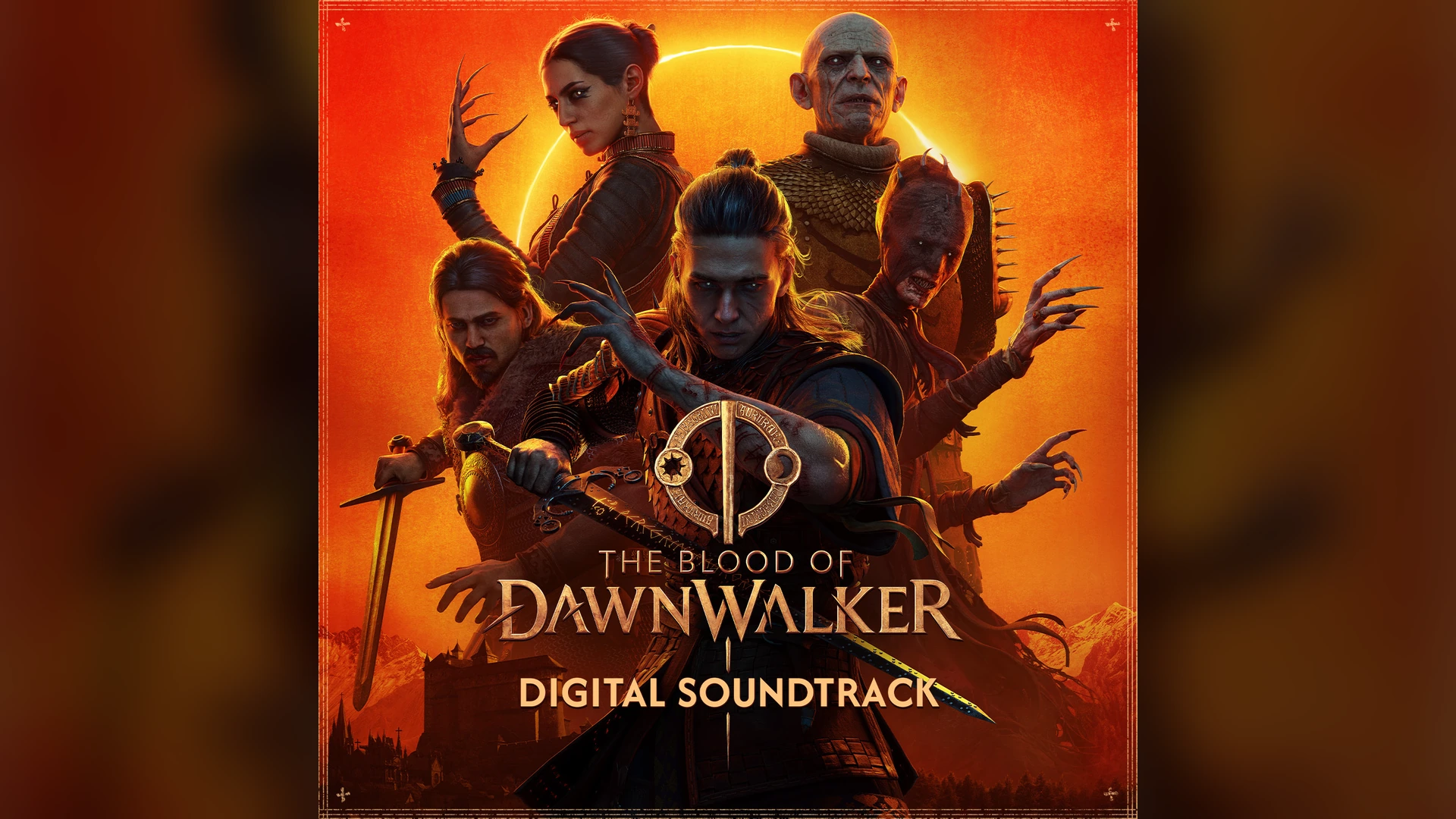
The September 29 soundtrack release gives Eclipse Edition Content owners a separate soundtrack entry in their PC library. It includes MP3 and WAV downloads and is not sold separately.
Original announcement:
A separate soundtrack entry in the library
The soundtrack announcement on September 29, 2026 confirmed that Eclipse owners can access the score through the PC library’s Soundtracks category. You can listen there or download the files for local playback.
The entitlement named in the announcement is Eclipse Edition Content. This release is an extra-content download; it is not a patch that changes the campaign or a separate game purchase.
Find the soundtrack download
Use the PC account that owns the Eclipse Edition Content. The soundtrack may be hidden when the library is filtered to games only.
- Open the library and check that your account owns Eclipse Edition Content for The Blood of Dawnwalker.
- Open the library’s content-type filter and enable Soundtracks.
- Find The Blood of Dawnwalker soundtrack entry and open its library page.
- Download the available music files. Choose MP3 or WAV according to the format you want to keep.
- Listen through the library player or open the downloaded files in a compatible local music player.
Choose MP3 or WAV
Both formats are included in the announced download. MP3 is a practical option for portable listening and smaller files. WAV is an uncompressed audio format and generally takes more storage.
The announcement does not specify the MP3 bitrate, WAV sample rate or exact download size. Check the files offered by your library if those details matter for your player or available space.
| Format | Useful when | Before downloading |
|---|---|---|
| MP3 | You want convenient local or portable playback. | Check the player supports the downloaded files. |
| WAV | You prefer an uncompressed copy. | Allow more storage; inspect the listed file size. |
If the soundtrack does not appear
Start with ownership and the library filter. Having the base game installed is different from owning the Eclipse content, and a Games-only view can hide a soundtrack that belongs to your account.
Refresh the library view after enabling Soundtracks. Check the exact edition or add-on listed on your purchase record before assuming that a download is missing. These instructions cover the PC library route confirmed by the announcement; they do not establish a console download menu.
Can you buy the soundtrack on its own?
The September 29 release announcement says it is available only to Eclipse Edition Content owners and cannot be bought separately. Standard and Eclipse include the same base game, but only Eclipse includes the digital soundtrack in the comparison checked for this article.
Use the edition comparison if you are deciding which package to buy. Streaming access and ownership of downloadable MP3 or WAV files are different things; this article covers the confirmed library download.